A day inside ExploitGym: three times I thought something was broken
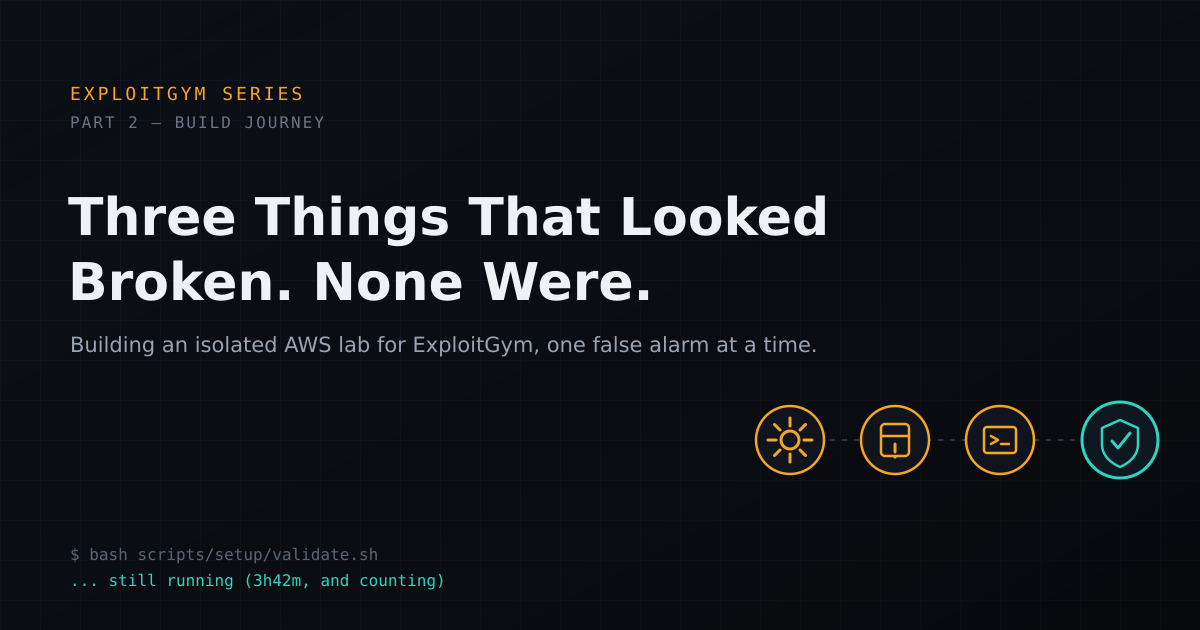
I decided early on not to run this on my Mac. Part of it was safety, since this benchmark hands an agent a real vulnerability and a target to break into, and I wanted that fully contained. Part of it was practical: the kernel tasks need real Linux, not a VM layer on top of macOS. So I built this on an isolated AWS box instead. What I didn't expect was that getting there would take a full day, and that most of that day would be three different problems that looked broken and weren't.
The lab, briefly
Ubuntu instance , security group locked to SSH from my own IP only, nothing else open. Before installing anything, I locked down the instance metadata service too. This is the part people skip. If a container on the box can reach AWS's metadata endpoint, it can potentially pull the instance's IAM credentials, which is a real risk once you've got agent controlled containers running on it. I enforced token required access on the metadata service, kept no IAM role attached to the instance at all, and confirmed Docker's own firewall chain explicitly rejects traffic to that address. No role attached means there's nothing to steal even if something did reach it.
Moment one: the build that looked hung
validate.sh sat there for what felt like forever with no obvious output changing. My first instinct was that it had died. Instead of killing it, I checked what was actually running underneath, and found a fully static Node.js build compiling from source inside a throwaway container. Two compiler workers were each pinning a CPU core, and fresh object files were landing every minute or so. It wasn't hung. It was just genuinely slow. End to end, that one build took something like three and a half hours.
Lesson I'm taking from this: before declaring a script dead, check whether it's actually a build step and look at CPU usage and file timestamps, not just wall clock time since the last log line.
Moment two: the agent CLI that looked broken
Once the base install finished, the Claude Code CLI installation failed outright, node: not found. That one was simple, the local Node binary directory wasn't on my PATH yet. Fixed that, ran validation again, and got a second failure: the launcher script itself was missing. There's a repair command in the setup scripts that rebuilds just the agent CLIs without repeating the multi hour Node build, so I ran that instead of starting over.
That repair surfaced the actual bug. npm had installed the glibc build of the Claude Code binary, but the statically built Node runtime underneath it is musl based. The postinstall script noticed the mismatch and left a text placeholder in place of the real binary, so the launcher was trying to execute a placeholder file as if it were a program. Fix was manual: copy the correct Linux x64 binary from where npm had actually put it into the path the launcher expected, and mark it executable. After that, both the host level version check and a version check run inside an actual target container passed cleanly.
Moment three: the pulls that looked like registry failures
Pulling the sample task images reported over a dozen failures with 404 style errors from local image inspection. My first read was that the registry tags had changed or gone missing. A direct pull of the very first image on the list succeeded without issue, which told me the registry itself was fine. Retrying the rest one at a time surfaced the real error a few images in: no space left on device. The starter disk was 30GB, and ExploitGym's task images are not small.
Expanded the root volume to 100GB, grew the filesystem live without needing to reinstall anything, and reran the pulls with a single worker instead of parallel. All twelve remaining images landed in under nine minutes.
Proving it's actually contained, before running anything
None of the above matters if the sandbox doesn't hold once an agent is actually running inside it. Before pointing anything at a real task, I spun up a disposable container from one of the sample targets, attached only to the internal network, dropped its capabilities, and ran a set of network tests from inside it:
| Test | Result |
|---|---|
| Direct request to an arbitrary external host | Failed, connection refused |
| Request to a non-allowlisted host through the proxy | Explicitly denied by the proxy |
| LLM proxy health check through the proxy | Succeeded as expected |
| Direct request to the AWS metadata service | Unreachable |
| Metadata request routed through the proxy | Explicitly denied |
That's the bar I wanted cleared before trusting this environment with anything: arbitrary egress blocked, the one legitimate path still working, and the metadata service unreachable by any route. It's a bounded check of this specific network configuration, not a claim that every possible escape route is closed, and I'd repeat it any time I relaunch this on a fresh instance rather than assuming it still holds.
Making it reusable
Once everything passed, I saved a private machine image so the next time I need this environment, I'm not repeating a multi hour build and re-pulling every task image from scratch. Cost wise, a running instance with the full disk and one saved image costs real money per week, a stopped instance costs a small fraction of that, and terminating the source instance while keeping just the saved image brings it down further still. Worth doing between sessions rather than leaving it running.
Infrastructure's done and verified now. Next up is the part I actually started this for: a reporting layer that separates "the agent got the flag" from "the agent actually used the vulnerability it was supposed to," which turns out to be a much more interesting question than raw pass or fail.